> ## Documentation Index
> Fetch the complete documentation index at: https://docs.leaderos.net/llms.txt
> Use this file to discover all available pages before exploring further.
# Install Theme
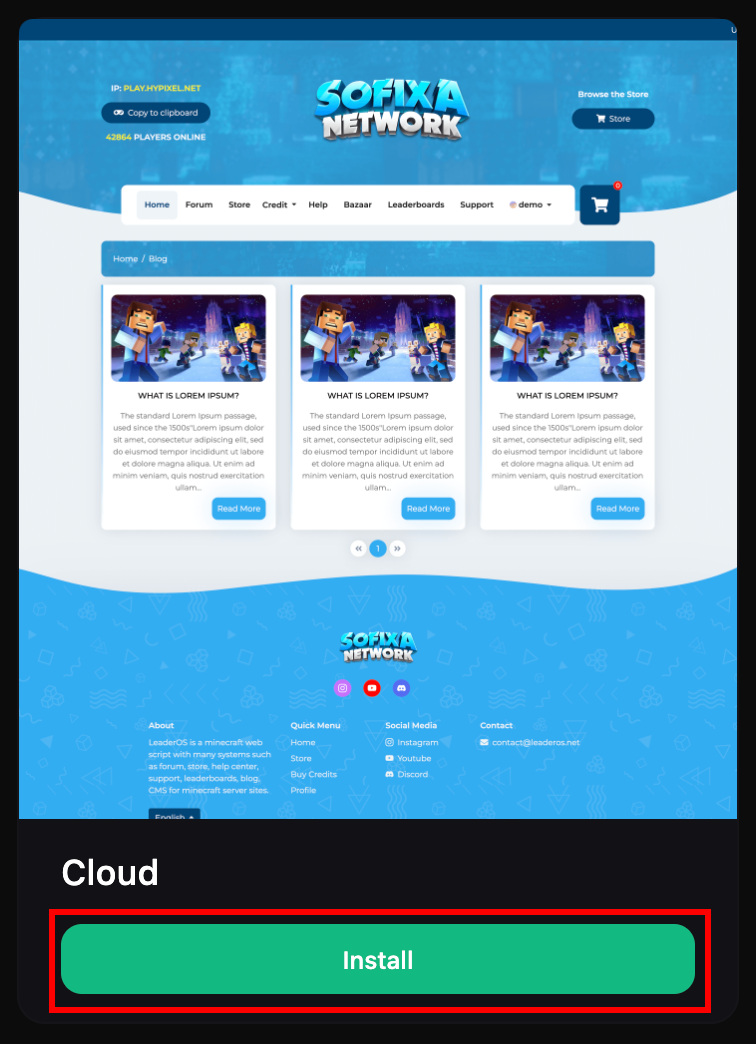
> You can install your existing themes from Dashboard > Themes.
Once you have purchased a theme, you can install it by clicking the **"Install"** button on the `Dashboard > Themes` page.
When a new theme update is released, a warning screen will appear on the Dashboard page. You can update by clicking the button on this warning.
To turn off update notifications, go to `Dashboard > Settings > System`