> ## Documentation Index
> Fetch the complete documentation index at: https://docs.leaderos.net/llms.txt
> Use this file to discover all available pages before exploring further.
# Gaming Night
> Encourage your players to shop in the store with limited stock items for a set amount of time.
### How to configure Gaming Night event?
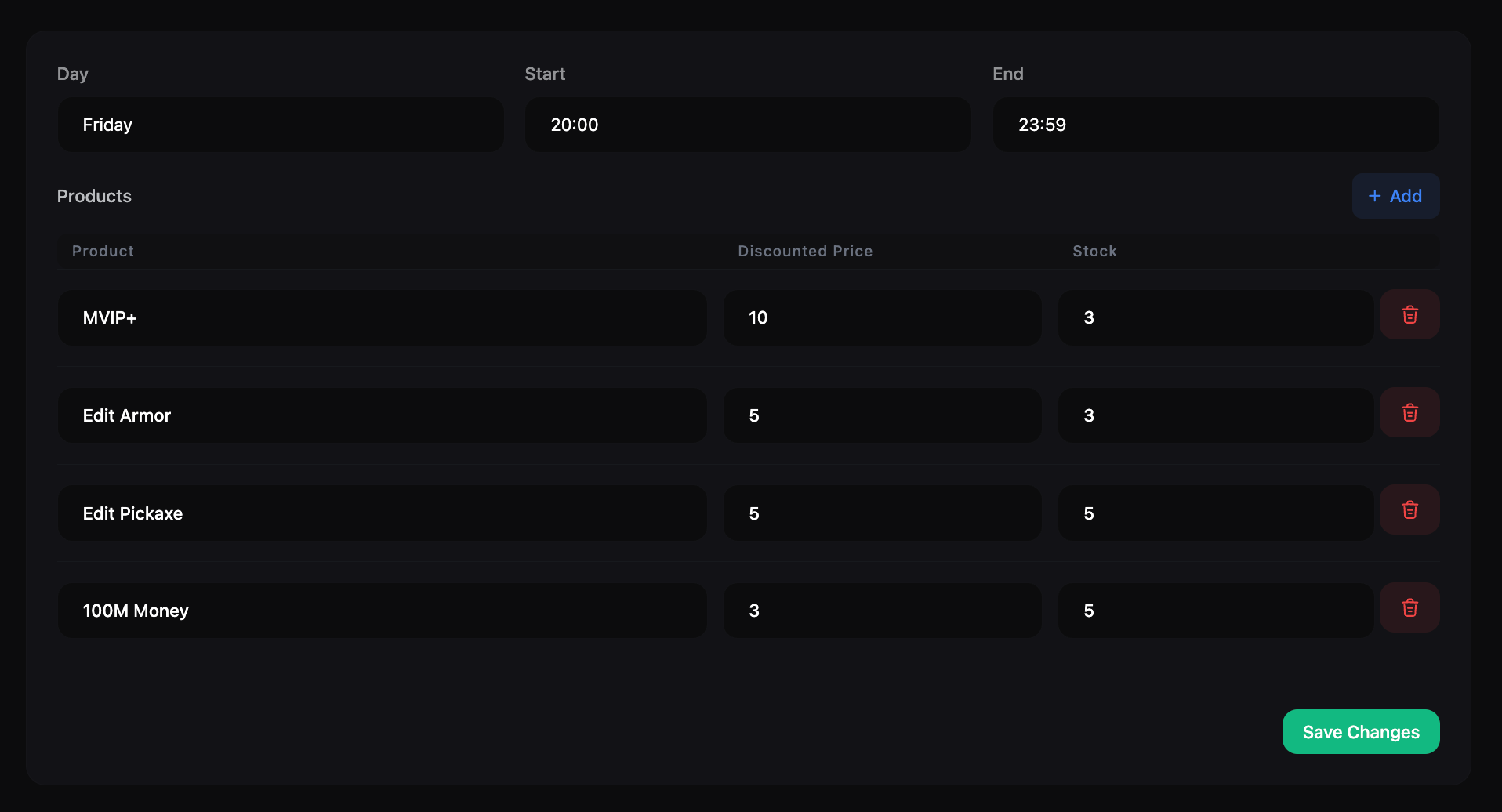
Go to **Dashboard > Store > Gaming Night**. You can configure the following settings for the Gaming Night event:
* **Day:** Select the day of the week when the event will be held.
* **Start Time:** Set the start time of the event.
* **End Time:** Set the end time of the event.
* **Products:** Select the products that will be available for purchase during the event. You can set the stock and discounted price of each product that will be available for purchase.
 ### How does Gaming Night event work?
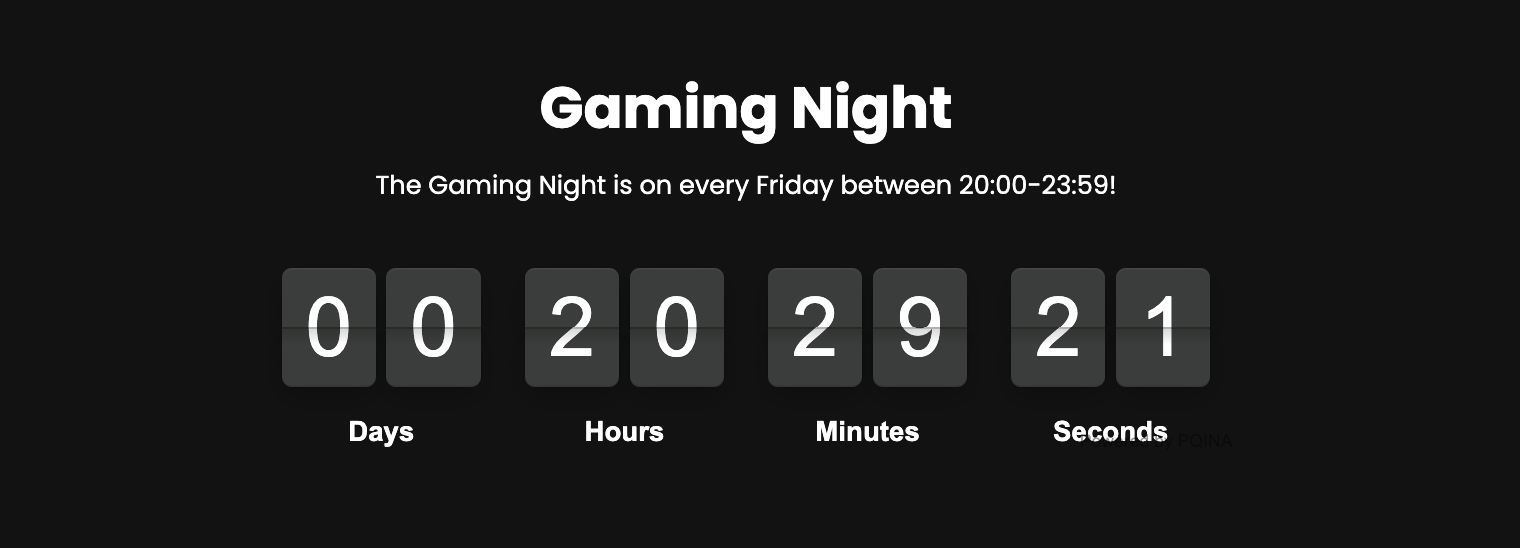
During the Gaming Night event, players will be able to shop in the store with limited stock items for a set amount of time. Players can purchase the products available during the event at a discounted price. The products available for purchase during the event will have limited stock, so players will need to act fast to get the items they want.
### How does Gaming Night event work?
During the Gaming Night event, players will be able to shop in the store with limited stock items for a set amount of time. Players can purchase the products available during the event at a discounted price. The products available for purchase during the event will have limited stock, so players will need to act fast to get the items they want.
 ### How to add a Gaming Night to Header Menu?
After configuring the Gaming Night event, you can add a link to the event in the header menu of your website. To do this, go to **Dashboard > Appearance > Header**. Create a new menu item and select Gaming Night as the link type.
### How to share the Gaming Night event with players?
You can share the Gaming Night event with players by sending them a notification or email with the details of the event. You can also promote the event on social media or other channels to encourage players to participate.
### How to add a Gaming Night to Header Menu?
After configuring the Gaming Night event, you can add a link to the event in the header menu of your website. To do this, go to **Dashboard > Appearance > Header**. Create a new menu item and select Gaming Night as the link type.
### How to share the Gaming Night event with players?
You can share the Gaming Night event with players by sending them a notification or email with the details of the event. You can also promote the event on social media or other channels to encourage players to participate.